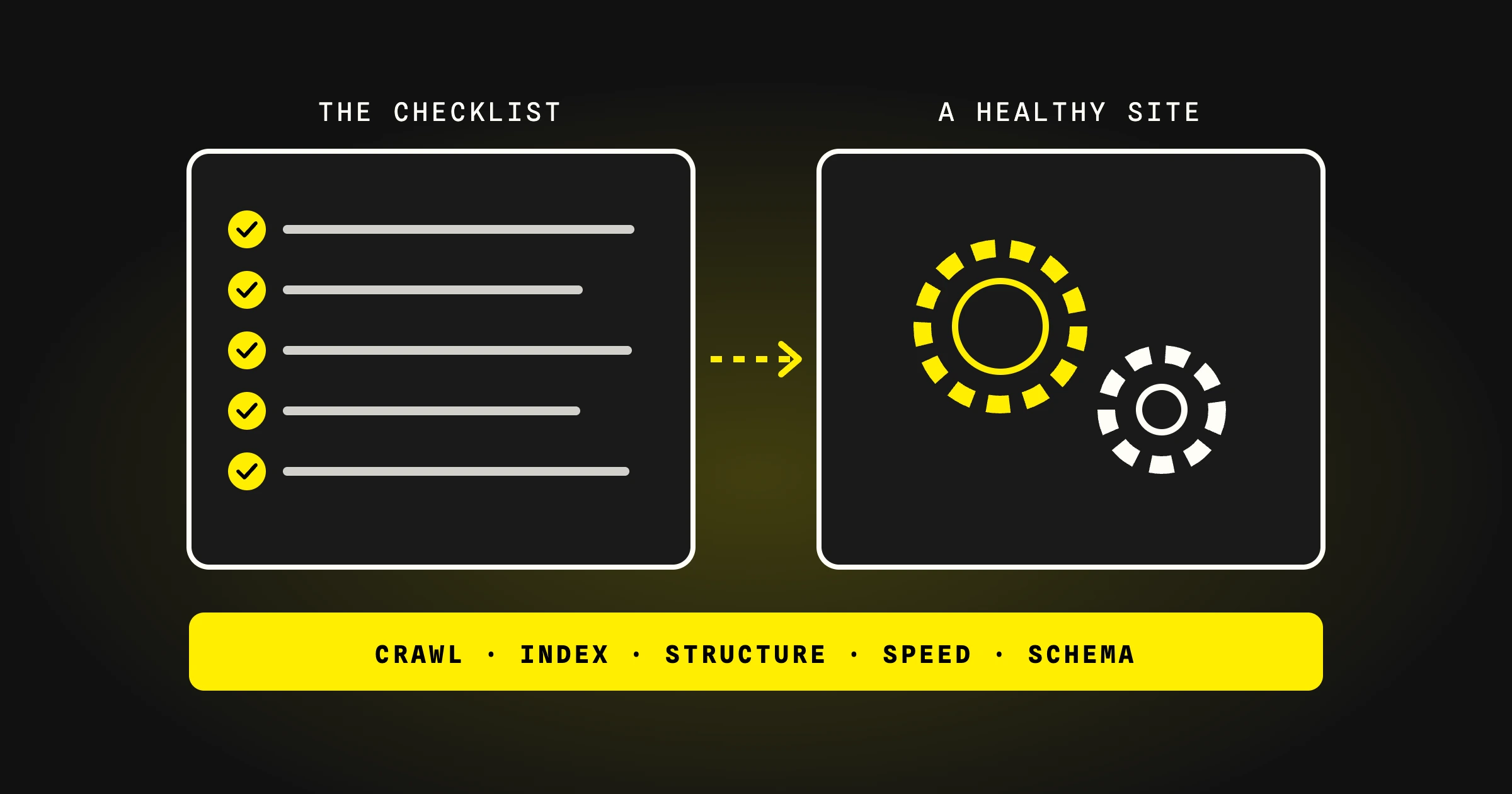
A technical SEO audit checks whether search engines and AI crawlers can reach, read and index your site. Work through six areas in order: crawling and indexing, site structure, on-page basics, speed and mobile, structured data, and security and tracking. Fix what blocks indexing first, because a page that is not indexed cannot rank or be cited.
In short
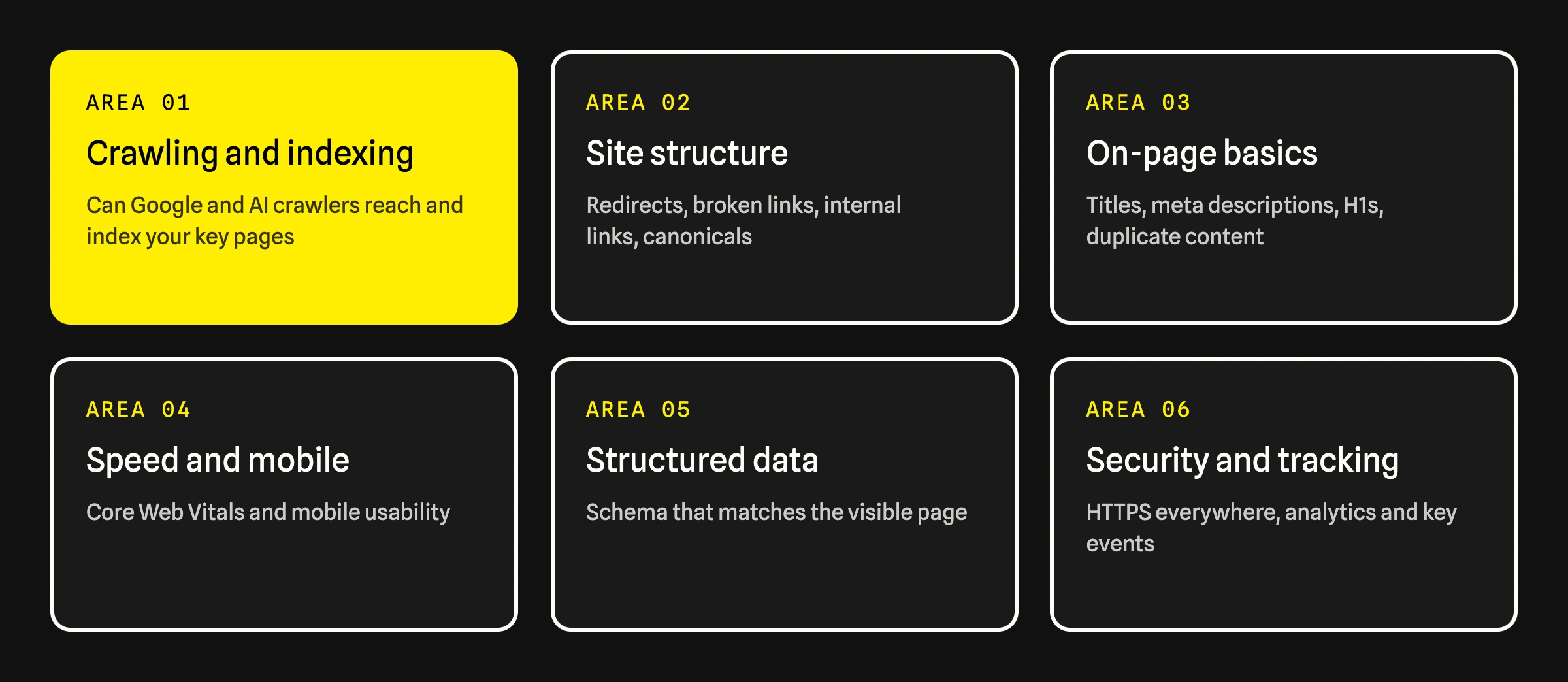
Audit in six areas: crawling and indexing, site structure, on-page basics, speed and mobile, structured data, security and tracking.
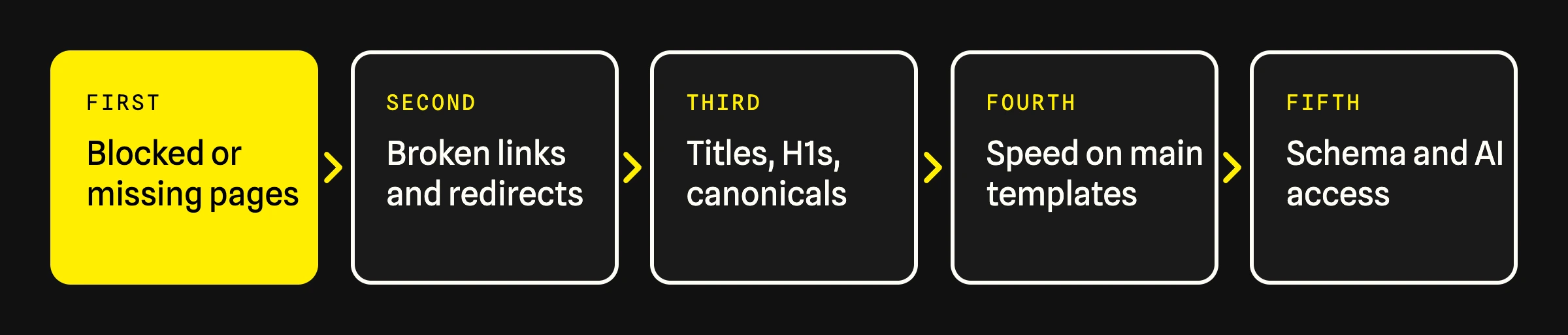
Fix in order of impact: blocked or missing pages first, then broken links and redirects, then on-page basics, speed and schema.
Google's Core Web Vitals targets are LCP within 2.5 seconds, INP of 200 milliseconds or less and CLS of 0.1 or less.
Check AI crawler access too: ChatGPT search needs OAI-SearchBot allowed in robots.txt.
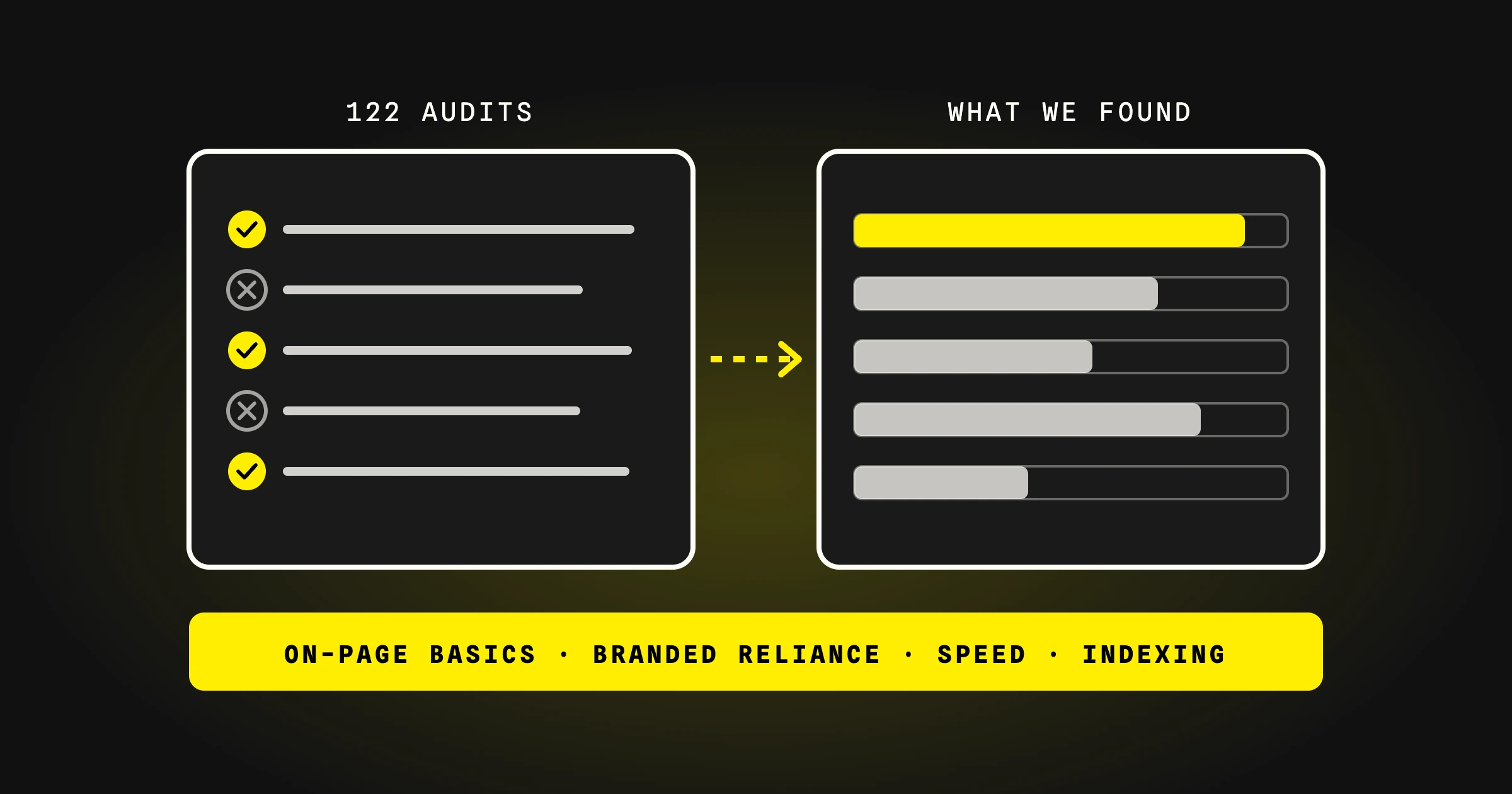
In our 122 audits, 43% of sites had H1 problems and 26% had indexing problems.
Sites with indexing problems
26%
of 122 audited sites had pages Google could not index properly (Digital Socios audit data, 2025)
Sites with speed problems
37%
of 122 audited sites had page speed or Core Web Vitals problems (Digital Socios audit data, 2025)
Google's target for LCP
2.5 s
Largest Contentful Paint should occur within 2.5 seconds of the page starting to load, measured at the 75th percentile (Google, web.dev)
What Is a Technical SEO Audit?
A technical SEO audit is a structured check of everything that affects whether search engines and AI crawlers can reach, read and index a website. It does not judge your content or your links. It finds the faults that stop good content from being seen: blocked pages, broken links, slow templates, missing tags and markup that does not match the page.
You need three things to run one: Google Search Console, a crawler such as Screaming Frog, and PageSpeed Insights. The checklist below has 30 checks in six areas.
The six areas of a technical SEO audit.
1. Can Search Engines and AI Crawlers Reach and Index Your Pages?
Start here. Nothing else matters for a page that is not indexed. In our review of 122 audits, 26% of sites had indexing problems.
Robots.txt. No important section of the site is disallowed.
Noindex tags. No page you want found carries a noindex tag. Check templates, not only single pages.
Indexing report. In Search Console, review pages listed as not indexed and the reason given for each group.
XML sitemap. It exists, is submitted in Search Console, and lists only live, indexable URLs.
AI crawlers. OAI-SearchBot and PerplexityBot are not blocked. OpenAI states that sites opted out of OAI-SearchBot will not be shown in ChatGPT search answers.
JavaScript. Main content and links are present in the rendered HTML, not only after user interaction.
Google states there are no additional technical requirements for AI Overviews: a page must be indexed and eligible to be shown with a snippet.
2. Is the Site Structure Sound?
Broken pages. No internal link points to a 404. In our audit data, 22% of sites had broken links or 404 errors.
Redirects. Old URLs redirect in one step with a permanent (301) redirect. No chains, no loops.
Canonical tags. Every indexable page has a canonical tag pointing to itself or to the correct main version.
One version of the site. HTTP, HTTPS, www and non-www all resolve to a single version.
Internal links. Every important page is linked from at least one other page and reachable within a few clicks of the homepage.
Orphan pages. Pages in the sitemap with no internal links are either linked or removed.
URL structure. URLs are short, readable and consistent.
3. Are the On-Page Basics in Place?
These are the most common faults we find. In our 122 audits, 43% of sites had H1 problems and 34% had canonical or title and meta description problems.
Title tags. Every page has one, it is unique, and it says what the page is about.
Meta descriptions. Present and unique on every page that matters.
H1. Exactly one per page, and different on each page.
Heading order. H2s and H3s follow a logical outline.
Duplicate content. No two indexable URLs show the same content.
Image alt text. Images that carry meaning have descriptive alt text.
Most of these are template faults. Fix the template and every page built on it is fixed. See on-page SEO.
4. Is the Site Fast and Usable on Mobile?
Google measures page experience with three Core Web Vitals. A page passes when it meets all three at the 75th percentile of page loads.
Metric
What it measures
Google's target
Largest Contentful Paint (LCP)
How fast the main content loads
Within 2.5 seconds
Interaction to Next Paint (INP)
How fast the page responds to input
200 milliseconds or less
Cumulative Layout Shift (CLS)
How much the layout moves while loading
0.1 or less
Core Web Vitals. Check the report in Search Console for mobile and desktop, then test your main templates in PageSpeed Insights.
Images. Compressed, in a modern format, sized for where they appear, and lazy-loaded below the fold.
Scripts. Remove unused third-party scripts and defer the ones that are not needed to show the page.
Mobile usability. Text is readable without zooming, tap targets are large enough, and nothing scrolls sideways.
37%
Digital Socios · 122 audits, 2025
Share of audited sites with page speed or Core Web Vitals problems. Test templates, not single pages: one slow template affects every page built on it.
5. Does Structured Data Match the Page?
Organization schema. Present on the homepage with your name, logo and official profiles.
Page-level schema. Service, Article, FAQ and Breadcrumb markup where they apply.
Schema matches visible content. Every question, answer and fact in the markup also appears on the page, word for word.
Validation. Markup passes Google's Rich Results Test without errors.
Wrong schema is worse than none. Markup that describes content visitors cannot see is the fault we correct most often. When a page is edited, its schema has to be edited with it.
6. Are Security and Tracking Set Up?
HTTPS. Every page loads over HTTPS with a valid certificate and no mixed content.
Analytics. GA4 is installed on every page and lead actions are marked as key events.
Search Console. The property is verified under a company account you control.
Tracking is part of a technical audit because without it you cannot tell whether the fixes worked.
What Order Should You Fix Things In?
An audit can return hundreds of issues. Fix them by impact, not by count.
Fix by impact: what blocks indexing comes first.
Priority
Fix
Why it comes here
1
Blocked, noindexed or missing pages
A page that is not indexed cannot rank or be cited
2
Broken links and redirect chains
They waste crawl effort and lose the value of old URLs
3
Titles, H1s and canonical tags
Usually a template change that fixes many pages at once
4
Speed on your main templates
Affects every page built on them
5
Schema and AI crawler access
Helps search engines and AI systems understand and quote the page
A full audit once a year, and before and after any redesign or migration.
A light check every quarter: indexing report, Core Web Vitals, broken links.
Monitoring every week: Search Console alerts for indexing and security issues.
The Bottom Line
A technical audit does not grow traffic by itself. It removes what holds a site back, so that content and authority can do their work. Run the 30 checks, fix by impact, and re-check after every major change.
It checks six areas: crawling and indexing, site structure, on-page basics, speed and mobile usability, structured data, and security and tracking. The aim is to find anything that stops search engines and AI crawlers from reaching, reading and indexing your pages.
How long does a technical SEO audit take?
For a site of a few hundred pages, the checks take a few days. The fixes take longer and depend on how fast changes can go live. Large or complex sites need more time for crawling and analysis.
What tools do you need for a technical SEO audit?
Google Search Console for indexing and Core Web Vitals data, a crawler such as Screaming Frog for links, tags and redirects, and PageSpeed Insights for speed. Google's Rich Results Test checks structured data.
What are good Core Web Vitals scores?
Google's targets are a Largest Contentful Paint within 2.5 seconds, an Interaction to Next Paint of 200 milliseconds or less, and a Cumulative Layout Shift of 0.1 or less, each measured at the 75th percentile of page loads.
5.0 on Clutch · 350+ companies served
Get a Free SEO Report.
A senior strategist reviews your site and walks you through it on a 30-minute call. No sales pitch, and you keep the report either way. It includes:
Digital Socios: analysis of 122 SEO audit reports produced in 2025 (own data)
Andrés Esquivel
Founder & Chief Strategist, Digital Socios
Andrés founded Digital Socios and Glued and leads Digital Socios' AI search work. He has spent 8+ years building websites and user experiences for brands like Nestlé, Vital Proteins and Pfizer.